
 LittleNudge
A little care,
throughout your day.
LittleNudge is an interval reminder app for iPhone. Set water, standing, eye rest and break reminders, choose when they repeat and pause notifications at night or during lunch. Optimized for iPhone Duo.
Download on the App Store(for iPhone, opens in a new tab)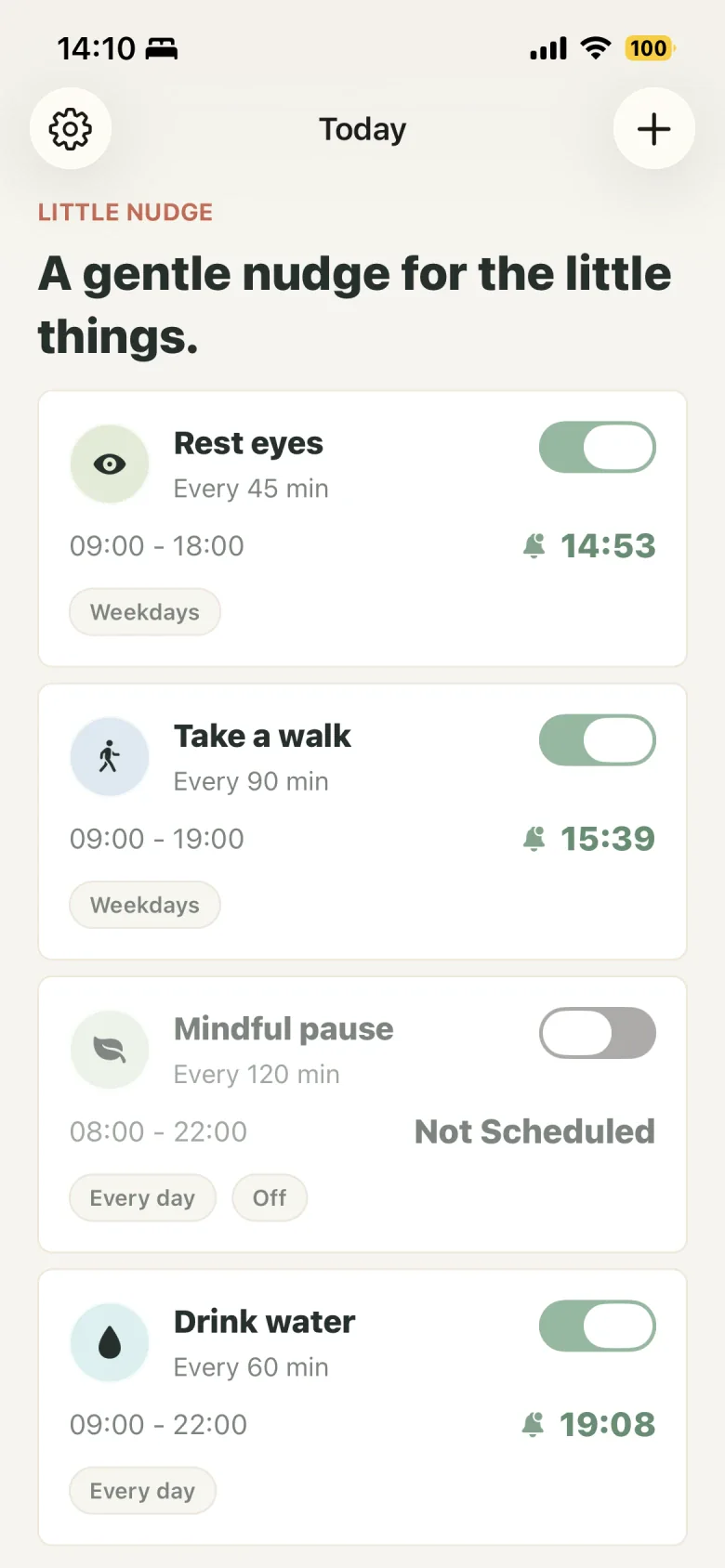
- Water
- Eye rest
- Stand up
At your own pace
Set daily reminders
at your own intervals.
Choose a reminder and find your rhythm.
Start with one small thing, without a complicated schedule.
Choose a daily reminder
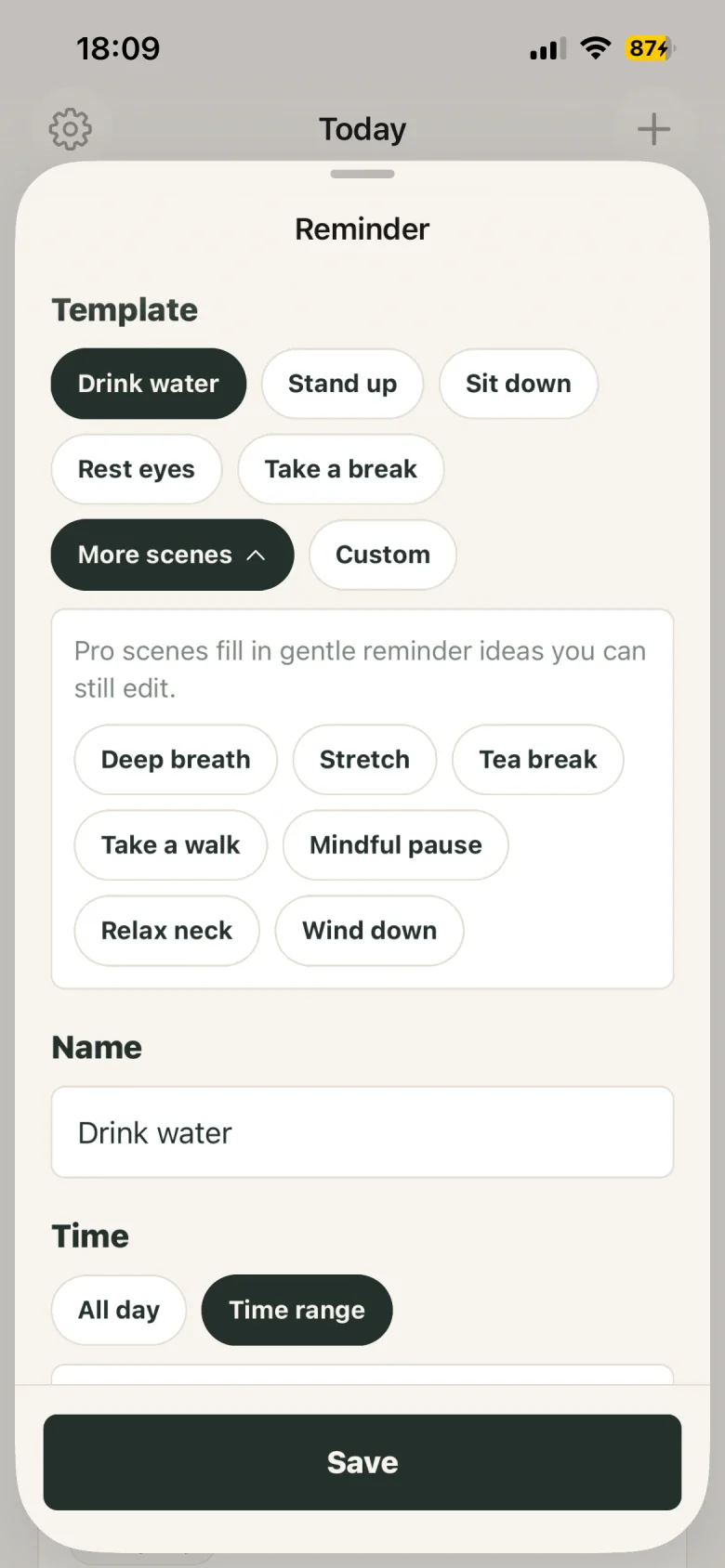
Start with water, eye rest, standing or a break, or write a reminder of your own.
Find your rhythm
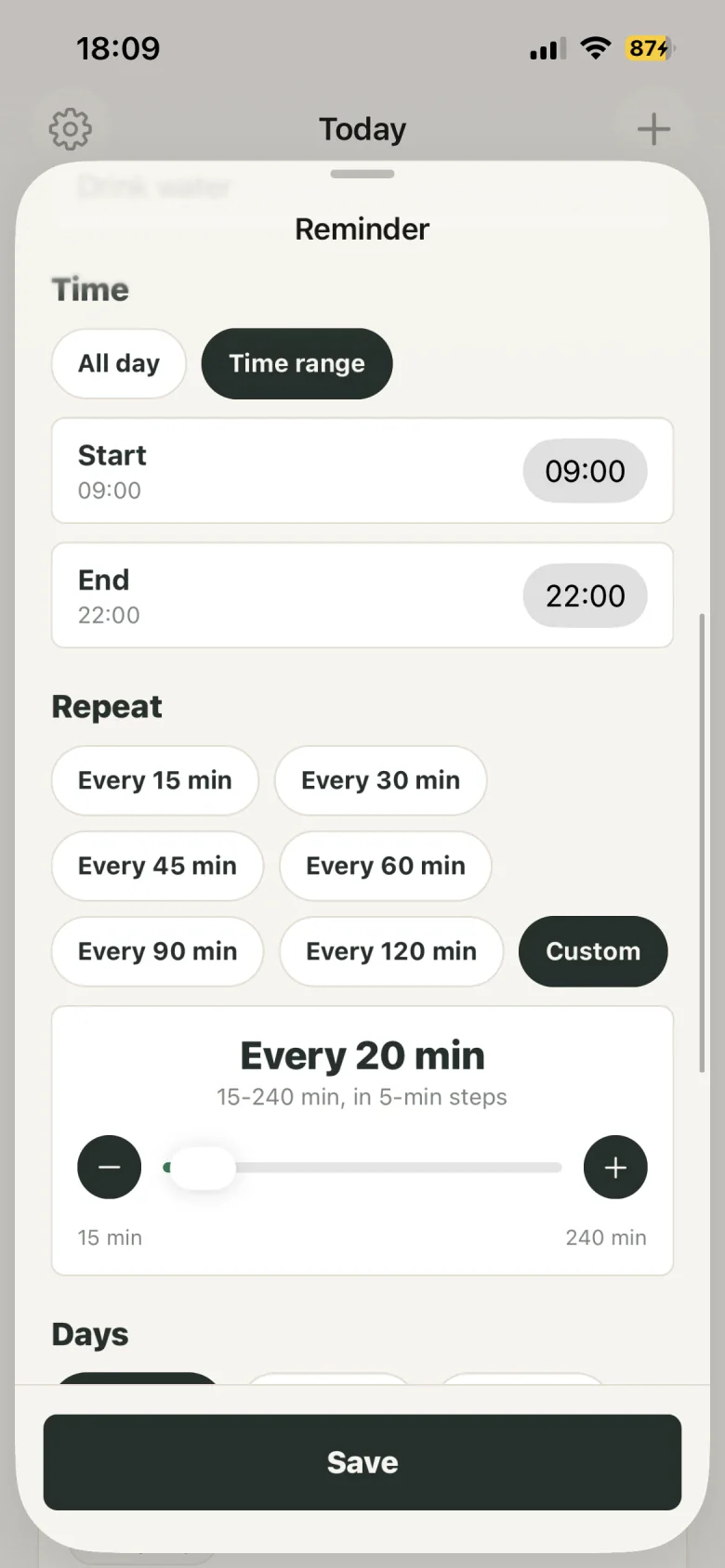
Choose active hours, repeat intervals and days to fit reminders around your routine.
Make room for quiet
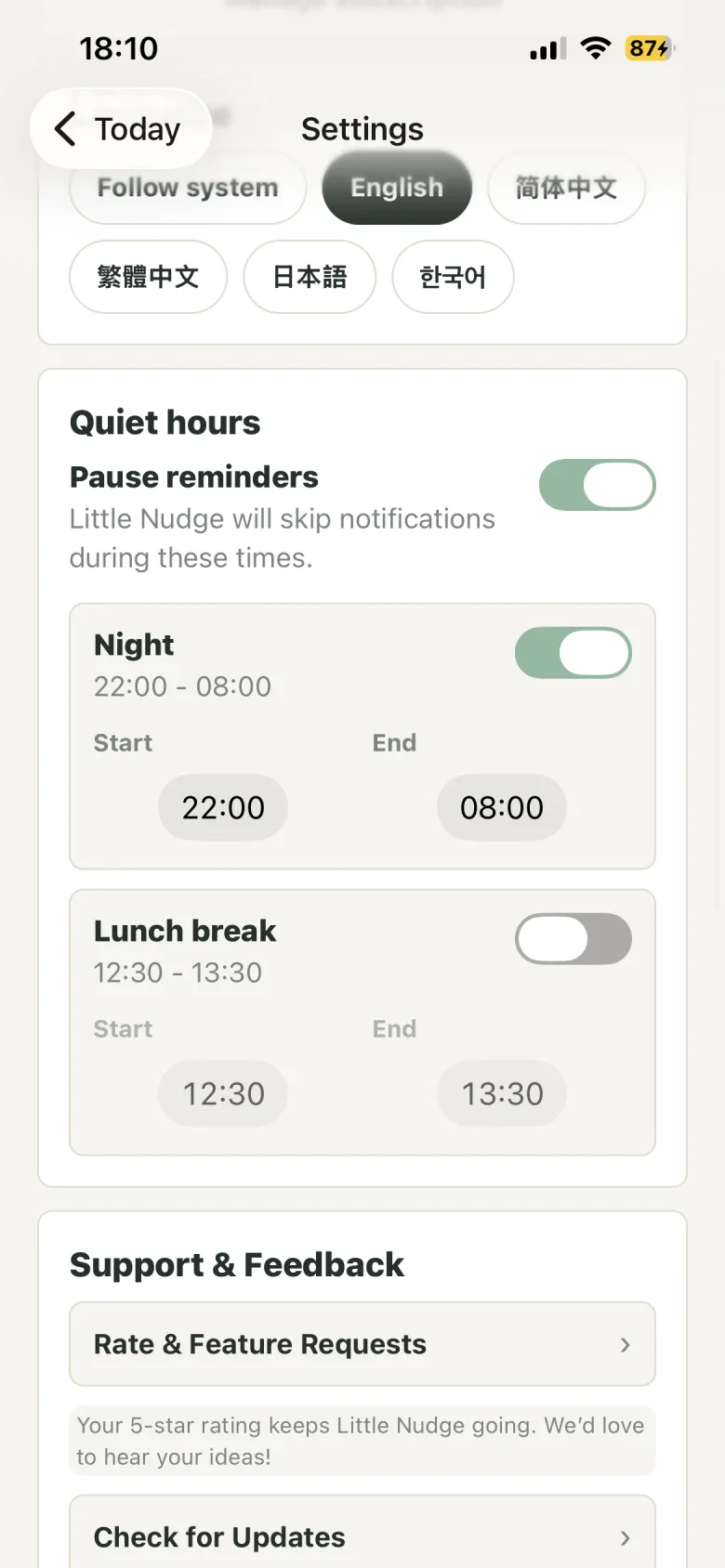
Set quiet hours at night or during lunch so your reminders take a break too.
Some templates require Pro. See the app for details.

Pause reminders at night and during lunch.
Quiet hours give your reminders a break too.
Frequently asked questions
How do I get a reminder every 30 or 60 minutes?
Create or edit a reminder, choose a 30- or 60-minute repeat interval, then select active hours and days and save. When the reminder is enabled and notification permission is granted, the app schedules notifications using those settings. Reminders pause during quiet hours.
Can I get reminders only on weekdays?
Yes. Choose weekdays in the reminder’s day settings, or select individual days. Weekdays means Monday through Friday; this does not automatically adjust for public holidays or changes to working days.
How do I pause reminders at night or during lunch?
Open quiet hours in Settings, enable the night or lunch period you need and adjust its start and end times. A reminder can follow the default quiet hours or use its own settings; check that it uses the rules you want.
What should I check if notifications do not arrive?
Check that the reminder is enabled, that the current time and day are active and that quiet hours are not in effect. In iPhone Settings, check LittleNudge’s notification permission, notification presentation and Focus settings. If you set a daily reminder limit, check whether it has been reached.
What is included in the free version and Pro?
The free version supports up to 3 active reminders, fixed intervals of 15, 30, 45, 60, 90 or 120 minutes, and active hours and days. Pro unlocks more active reminders, custom intervals and selected templates and personalization options. See the app for current plans and prices.
Does LittleNudge support iPhone Duo?
Yes. LittleNudge is optimized for iPhone Duo. Reminder lists and editing screens adjust to the space available on the inner and outer displays, making it easy to view and set daily reminders.