

Wind down for sleep
Pair gentle rain with ambient sounds and set a timer as you settle into the evening.

 Whisland
 is a white noise and ambient sound app for iOS and Android. Mix rain, wind and gentle music for bedtime, reading or focus, with a timer that fades the sound out. The iOS version is optimized for iPhone Duo.
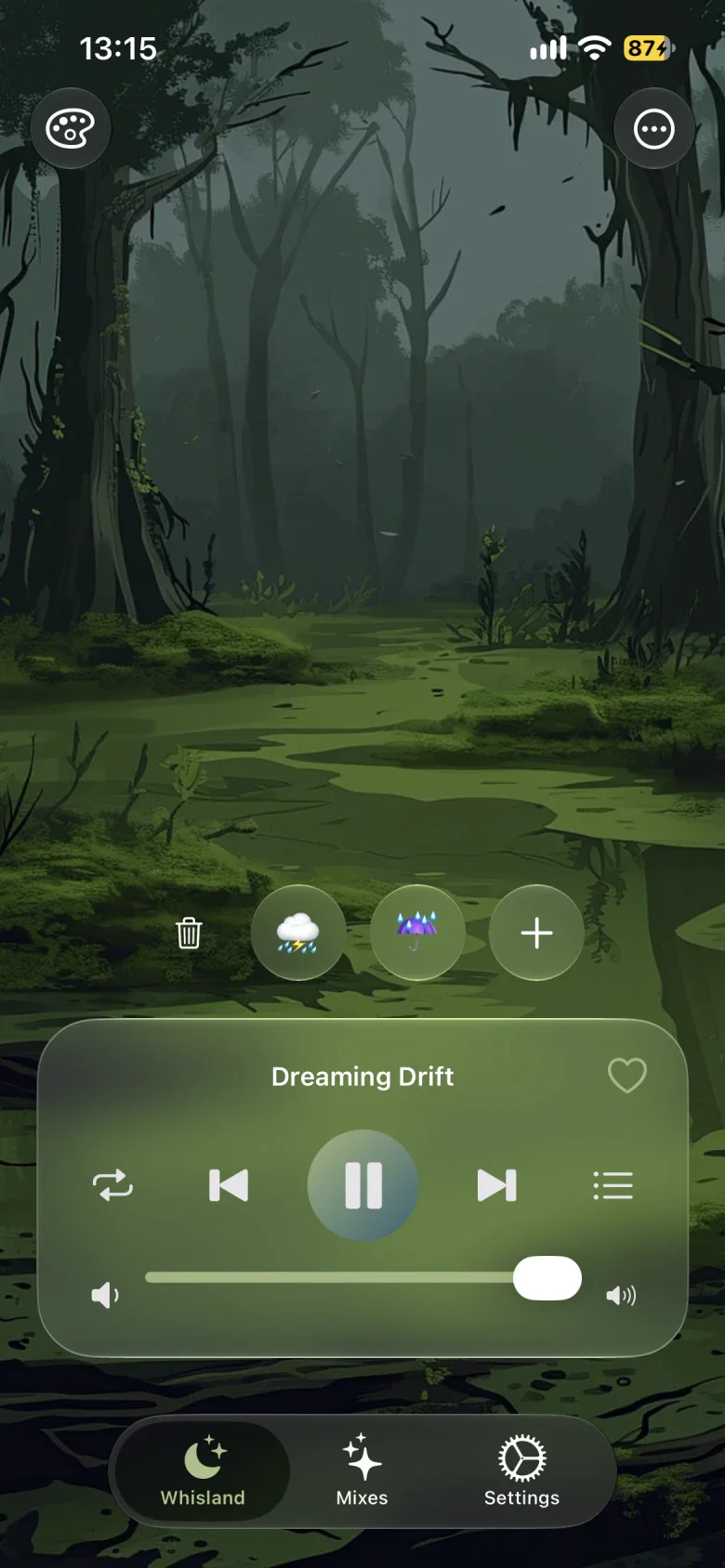
Room for a quieter moment
Pair gentle rain with ambient sounds and set a timer as you settle into the evening.
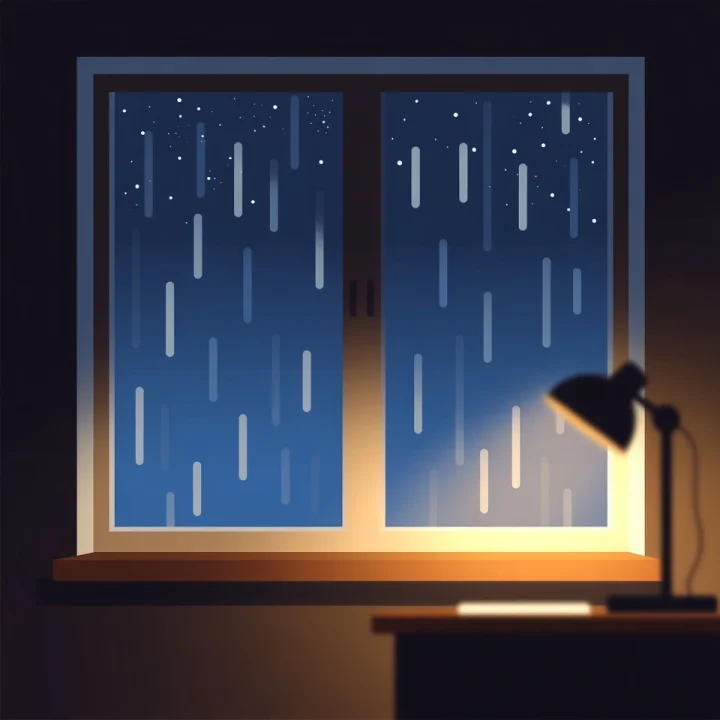
Give reading and work a background of white noise or gentle music you enjoy.

Set the busy day aside for a moment and give yourself room to rest.
Mix freely · Discover combinations
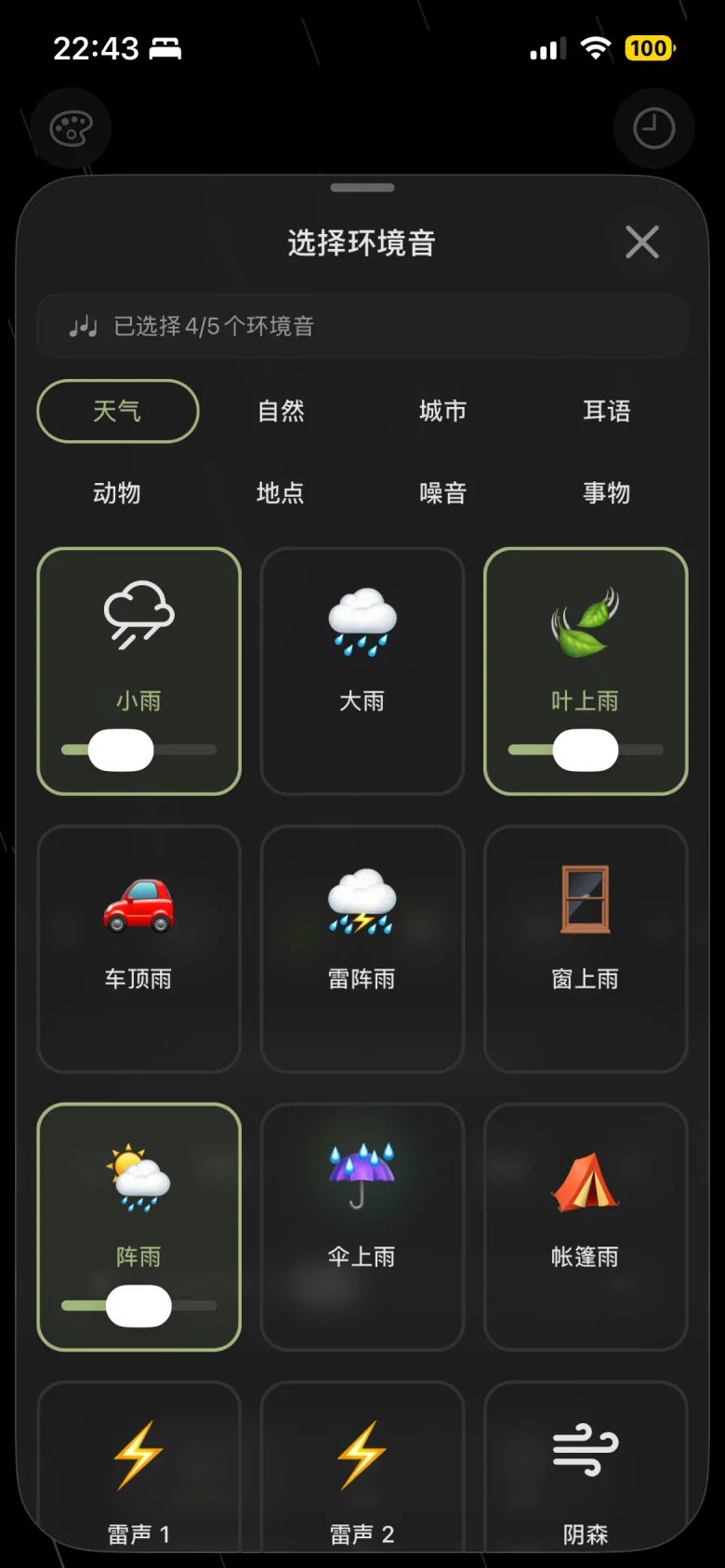
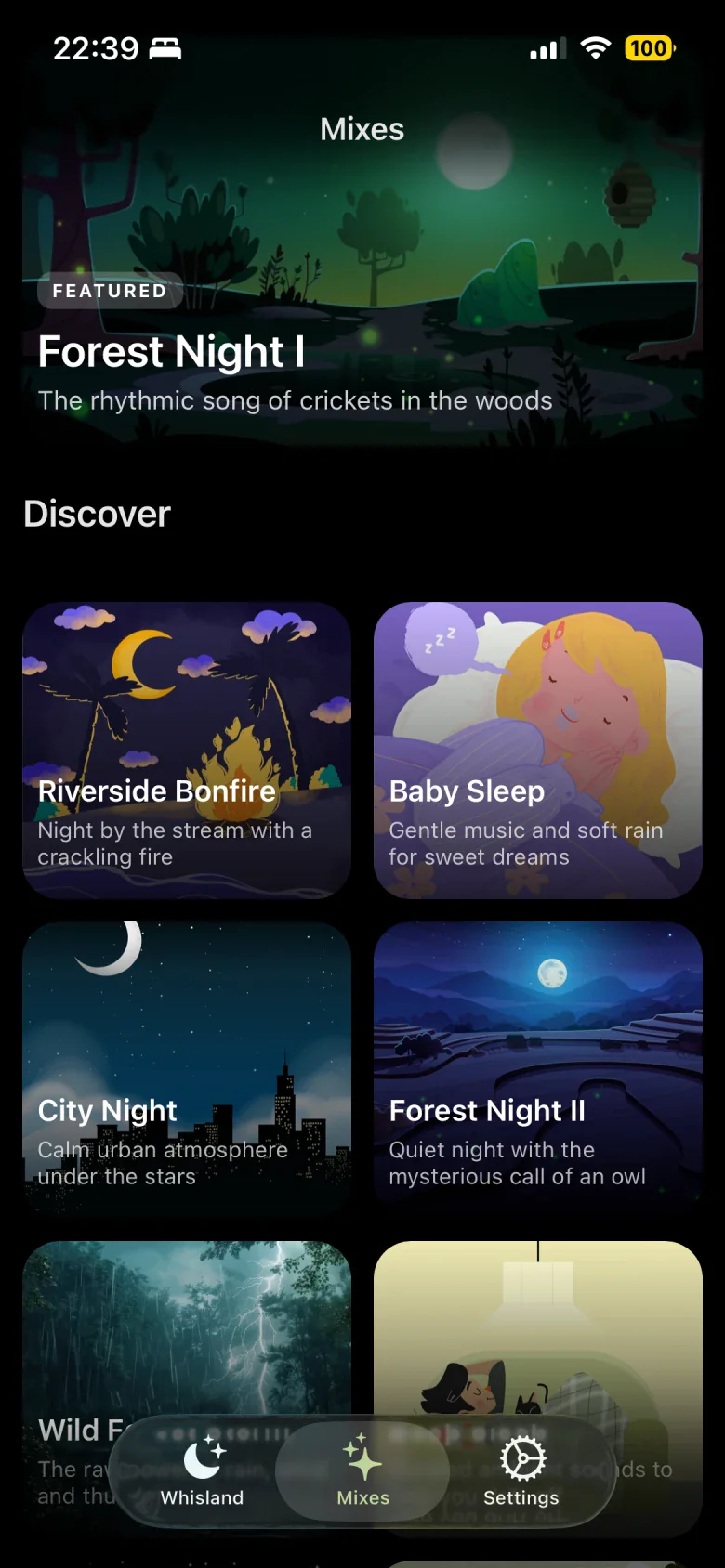
Start with a little rain, then add wind or gentle music. Build your own soundscape or find something to suit today among the recommended mixes.
Layer rain, wind, birdsong and gentle music, or listen to ambient sounds on their own.
Bring the rain closer and turn the music down until the balance feels right.
Tap the heart beside the player, name your mix and save its sounds, volumes and background settings.
Some content and features require a membership. See the app for current availability.
Sleep timer
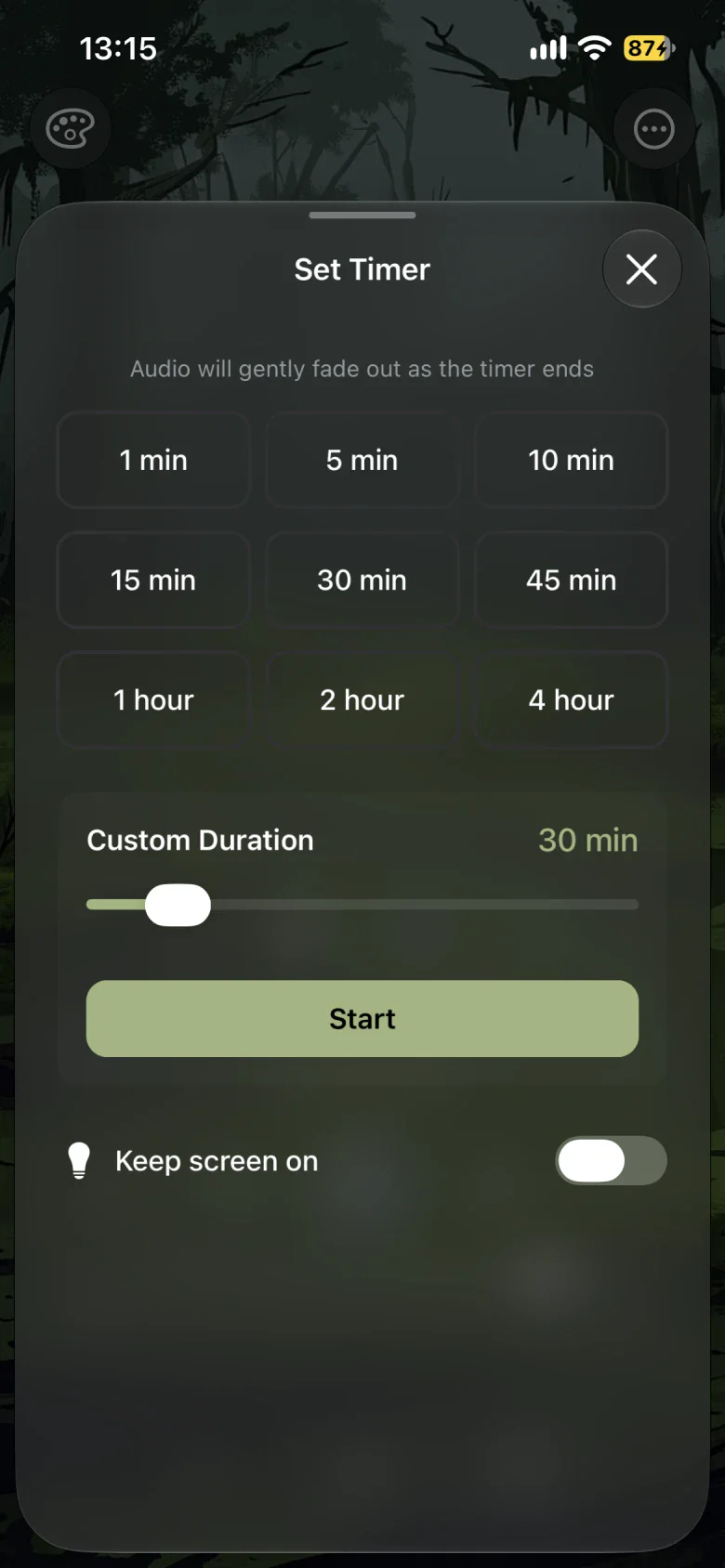
Choose a preset or a custom duration and leave the rest to Whisland. Sounds fade gently before the timer ends, so there is no need to remember to stop playback.
Preset and custom durationsGentle fade-out
The app offers free content and a membership upgrade. Some mixes, backgrounds and advanced features require unlocking. See the app for available content and purchase options.
Built-in and downloaded sounds can play offline; some content needs a connection to download first. For data and service details, read the Privacy policy.
Yes. Open the music list to the right of the home screen player and select the no-music option at the top. This turns off instrumental music while keeping your selected ambient sounds.
Yes. Tap the plus button in the home screen sound area to open the ambient sound selector, choose sounds and adjust each selected sound’s volume.
Once your sounds and volumes are ready, tap the heart beside the player, give the mix a name and save it. To restore it, open the top-right menu on the home screen and go to your saved mixes. The Mixes tab at the bottom shows recommended combinations.
Open the top-right menu on the home screen and choose the countdown timer. Tap a preset to start it, or adjust a custom duration and tap Start. Sounds gradually fade before the timer ends. Tap the countdown on the home screen to change or cancel it.
Yes. Whisland supports background playback, so you can lock the screen after starting a sound. If a timer is set, sounds fade out and stop as scheduled. System battery-saving or background restrictions can affect playback; check those settings if it is interrupted.
The iOS version supports this. Enable playback alongside other apps in Settings to try mixing Whisland with another app’s music or podcasts. This option is off by default, and the other app’s audio behavior can also affect the result.
Built-in sounds and sounds downloaded to your device can play offline. Some sounds and music need to be downloaded first, and purchases and restoring purchases require a connection. See the app for available content.
The app offers free content and a membership upgrade. Some sound mixes, backgrounds and advanced features require unlocking. See the app for available content, mixing limits and purchase options.
Yes. The iOS version is optimized for iPhone Duo. The player, sound selection and mix lists adjust to the space available on the inner and outer displays.
Whisland
Find a sound you love and let this moment slow down.